


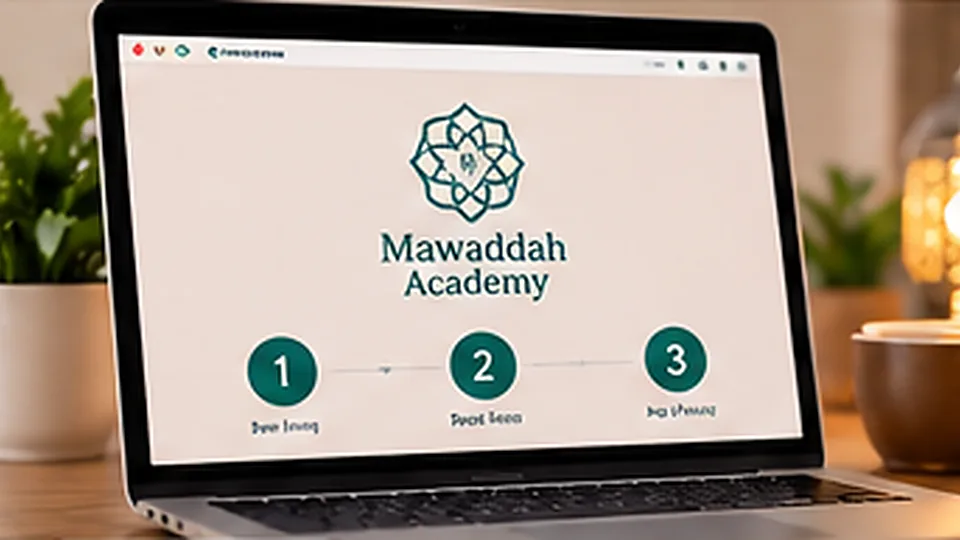
An online academy works best when the lesson itself is only one part of a complete learning system. Mawaddah is designed around a connected journey: application, placement, teacher matching, scheduling, live class, attendance, homework, evaluation, progress and parent visibility.
1. Application and learner profile
The family shares the learner’s name, country, age group, current level, program, preferred class type and suitable times. A guardian phone can be added for children so parent communication is easier.
2. Placement and starting level
Placement determines where the learner should actually begin. A Quran student may start with letters, reading, recitation, Tajweed or memorization. An Arabic student may begin with sounds, reading, vocabulary, sentences or conversation.
3. Teacher matching
The academy can match a suitable male or female teacher based on the learner’s age, level, goals, schedule and class format. This is especially important for children and complete beginners.
4. Choosing the study rhythm
Mawaddah supports study plans such as 8, 12, 16 or 20 classes per month, as well as a daily option. The final schedule is arranged around the learner’s time zone and teacher availability.
5. The live online class
The class may run through Zoom or Google Meet. From the Mawaddah dashboard, the learner sees the scheduled class and joins from one place. The teacher can use a synchronized teaching board for Quran passages or lesson material.
6. Quran teaching board
During Quran lessons, the teacher can choose a surah and ayah range and show Arabic only, Arabic with English meaning, or Arabic with Arabic explanation. The student follows the same selected material. Text, image and video resources can also support the lesson.
7. Attendance and absence
Attendance is recorded for each class. Students can request an absence or reschedule, while teachers can manage schedule changes. Monthly attendance percentage gives families a clearer view of consistency.
8. Evaluation after every lesson
The teacher can record an overall percentage and specific scores for reading, pronunciation, Tajweed, memorization, Arabic or Islamic Studies. The report also includes what was covered, homework, the next target and a parent note.
9. Monthly progress
Lesson evaluations are used to calculate monthly progress. This turns individual class notes into a visible trend rather than leaving the family to guess whether learning is improving.
10. Student and parent dashboards
The student sees classes, attendance, reports, homework and progress. The parent can follow a linked child without needing to interrupt the lesson. Reports can be prepared for sharing through WhatsApp to the guardian’s registered international number.
Why this matters
Learning becomes easier to manage when everyone knows the current level, what happened in the last class and what the next target is. Technology should make the teacher-student relationship clearer, not more complicated.
See the Mawaddah learning paths, compare study plans, or request a level review.
What the student sees before class
The student dashboard acts as the starting point for the day. It can show the next scheduled session, learning level, recent reports and attendance. This keeps the learner from searching through messages for the latest link or homework note.
What the teacher sees
The teacher workspace brings assigned learners and class information together. After a lesson, the teacher can record the outcome while the details are still fresh instead of waiting until the end of the month.
What the parent sees
For children, the parent view focuses on useful information: attendance, recent lesson reports, homework, next target and progress. The goal is visibility without giving the parent teaching controls or exposing another student’s data.
Role separation and privacy
Student, teacher and parent accounts have different permissions. A student should not see teacher management controls, while a teacher should only access learners connected to their classes. This separation is important for a child-focused international academy.
What happens if a learner misses a class?
Absence and reschedule requests can be recorded rather than handled only through informal chat. A structured workflow helps the teacher and academy understand whether the learner was present, late, absent or excused and keeps attendance percentages meaningful.
How progress becomes measurable
A single lesson score is only a snapshot. Over several weeks, repeated reports show whether reading, Tajweed, memorization or Arabic performance is improving. Monthly averages and attendance percentages give the family a practical summary.
Why the portal still matters when Zoom or Meet is used
Zoom and Google Meet are meeting tools. The academy portal provides continuity: who the learner is, what level they are on, what happened last time, what homework was assigned and what should happen next. That context is what turns calls into a program.
Where the mobile app fits
The same academy API and account model can support a future Android and iOS app. The website remains useful for marketing, registration and browser access, while mobile can make reminders, schedules and quick progress checks easier.